




+Network

+Network
پس از پرداخت اطلاعات به ایمیل شما ارسال خواهد شد
+Network
پس از تایید پرداخت، ثبت نام اقساطی شما تکمیل میشود

- مقدماتی
- مسیر پایه
- ۱۸ درس
دربارۀ این دوره
در دنیای امروز، شبکههای کامپیوتری بهعنوان هستۀ اصلی ارتباطات دیجیتال عمل میکنند. از شرکتهای بزرگ تا کاربران خانگی، همه به شبکه وابستهاند. بدون دانش شبکه، مدیریت و ایمنسازی اطلاعات غیرممکن خواهد بود. این موضوع یعنی یادگیری شبکه، فقط یک مهارت نیست، بلکه یک نیاز اساسی برای هر فردی است که قصد دارد در دنیای فناوری رشد کند.
این دوره، نقطۀ شروع ایدهآل شماست! اگر میخواهید اصول شبکه را از پایه یاد بگیرید، اگر هیچ پیشزمینهای در این حوزه ندارید یا اطلاعات کمی دارید، این دوره طراحی شده تا مسیر شما را هموار کند. با یادگیری اصولی مفاهیم شبکه، علاوهبر درک بهتر نحوۀ ارتباط سیستمها، میتوانید خود را برای دورههای پیشرفتهتر نیز آماده کنید.
این دورۀ آموزشی، کاملاً کاربردی و پروژهمحور است. در این دوره با مبانی شبکه، تجهیزات و زیرساختها و امنیت شبکه آشنا خواهید شد. علاوهبر این، نهتنها اصول پایه، بلکه تکنیکهای مهمی مانند عیبیابی شبکه، پیکربندی سوئیچ و روتر و تحلیل کاربردی پروتکلها را نیز فرا خواهید گرفت. همچنین، مفاهیم را با استفاده از ابزارهای شبیهسازی Packet Tracer و سناریوهای واقعی تمرین میکنید تا درک عمیقی از ارتباطات شبکه داشته باشید.
مطالب این دوره، در قالب ۱۸ ساعت محتوای ویدیویی در اختیار شما قرار خواهد گرفت. در کنار ویدیوها، گروه تلگرامی برای ارتباط مستقیم با دانشجویان دوره و مدرس و همچنین جلسات آنلاین پشتیبانی و رفعاشکال خواهید داشت. بهمحض ثبتنام، تمام ویدیوهای آموزشی دوره، در اختیارتان قرار خواهد گرفت.
این دوره، بازۀ زمانی برای شروع و پایان ندارد و در تمام سال، امکان خرید و پیوستن به گروه پشتیبانی را خواهید داشت.
مخاطبان
- دانشجویان رشتۀ کامپیوتر یا علاقهمندان به فناوری اطلاعات و امنیت
- کسانی که میخواهند در دورههای شبکه، سیسکو (CCNA) و مایکروسافت (MCSA) شرکت کنند.
پیشنیازها
- برای شرکت در این دوره، پیشنیازی لازم نیست.
سرفصلها
-
Introduction
-
Overview of networking
-
Overview of workgroup
-
Overview of domain
-
Overview of client
-
Overview of server
-
-
Network Topologies, Types and Technologies
-
Overview of Wired topologies
-
Overview of Logical vs. physical
-
Overview of Star
-
Overview of Mesh
-
Overview of Bus
-
Overview of Tree
-
Overview of Hybrid
-
Overview of Ring
-
Overview of Wireless topologies
-
Overview of Ad hoc
-
Overview of Infrastructure
-
Overview of LAN
-
Overview of WLAN
-
Overview of MAN
-
Overview of WAN
-
Overview of CAN
-
Overview of SAN
-
Overview of PAN
-
Overview of 802.11
-
-
OSI Layers
-
Overview of OSI model
-
Overview of Layer 1
-
Overview of Layer 2
-
Overview of Layer 3
-
Overview of Layer 4
-
Overview of Layer 5
-
Overview of Layer 6
-
Overview of Layer 7
-
-
TCP/IP Layers
-
Overview of TCP/IP model
-
Overview of Layer 1
-
Overview of Layer 2
-
Overview of Layer 3
-
Overview of Layer 4 / 5
-
-
Protocols and ports
-
Overview of Protocols and ports
-
Overview of Protocol types
-
Overview of SSH
-
Overview of DNS
-
Overview of SMTP
-
Overview of FTP
-
Overview of TFTP
-
Overview of TELNET
-
Overview of DHCP
-
Overview of HTTP
-
Overview of HTTPS
-
Overview of SNMP
-
Overview of RDP
-
Overview of NTP
-
Overview of SIP
-
Overview of SMB
-
Overview of POP3
-
Overview of IMAP4
-
Overview of ICMP
-
Overview of UDP
-
Overview of TCP
-
Overview of IP
-
Overview of Connection-oriented vs. connectionless
-
Overview of port number classification
-
-
Cabling
-
Overview of Media types
-
Overview of Copper
-
Overview of UTP
-
Overview of STP
-
Overview of Coaxial
-
Overview of Fiber
-
Overview of Single-mode
-
Overview of Multimode
-
Connector types
-
Overview of Copper
-
Overview of RJ-45
-
Overview of RJ-11
-
Overview of Crossover
-
Overview of Straight-through
-
Overview of Half Duplex
-
Overview of Full Duplex
-
Overview of Single mode
-
Overview of Multiple mode
-
-
Appropriate placement of Networking devices on a network
-
Firewall
-
Router
-
Switch
-
Hub
-
Bridge
-
Wireless access point
-
NGFW
-
IDS/IPS
-
-
Wireless Technologies
-
Overview of 802.11 standards
-
a
-
b
-
g
-
n
-
ac
-
-
Overview of Frequencies
-
2.4 GHz
-
5.0 GHz
-
-
Overview of Speed and distance requirements
-
Overview of Channel bandwidth
-
Overview of Unidirectional/omnidirectional
-
-
Concepts and Characteristics of Routing and Switching
-
Overview of network traffic
-
Overview of Broadcast domains
-
Overview of CSMA/CD
-
Overview of CSMA/CA
-
Overview of Collision domains
-
Overview of Protocol data units
-
Overview of MTU
-
Overview of Broadcast
-
Overview of Multicast
-
Overview of Unicast
-
Overview of Segmentation and interface properties
-
Overview of ARP table
-
Overview of Routing
-
Overview of Routing protocols
-
Overview of Distance-vector routing protocols
-
Overview of Link-state routing protocols
-
Overview of Routing types
-
Overview of Static
-
Overview of Dynamic
-
Overview of QoS
-
Overview of NAT/PAT
-
-
Internet Protocol Addressing
-
Overview of NIC
-
Overview of MAC address
-
Overview of Private vs. public
-
Overview of Loopback and Apipa
-
Overview of Default gateway
-
Overview of Subnet mask
-
Overview of Subnetting
-
Overview of Supernetting
-
Overview of Classes A, B, C, D, and E
-
Overview of CIDR
-
Overview of Address assignments
-
Overview of DHCP
-
Overview of APIPA
-
Overview of Loopback
-
-
Configuration and Commands
-
Configuring and managing NIC by GUI
-
Configuring and managing NIC by Command
-
Configuring Networking between devices
-
ping
-
ipconfig
-
ipconfig /all
-
ARP
-
getmac
-
nslookup
-
pathping
-
tracert
-
Overview and installing cisco packet tracer
-
Capturing frames
-
Overview of Ethernet frame
-
Basic configuration of Router (CLI)
-
Basic configuration of Switch (CLI)
-
Configuring Static Route
-
ETC...
-
-
Practical Scenario
-
Basic LAN Setup
-
Setting Console Password on the Switch
-
Creating VLANs on a Switch with 6 PCs
-
Configuring Router Interface IP for Basic Routing
-
Testing Switch Port Connectivity with Show Commands
-
Configuring DHCP Server on Router
-
Configuring DNS Server on Router
-
Configuring a Basic ACL (Access Control List on Router)
-
Configuring and Testing NAT (PAT) on Router
-
Backing Up and Restoring Switch/Router Configuration
-
Configuring and Testing Port Security on a Switch
-
Configuring HSRP (Hot Standby Router Protocol) for High Availability
-
Configuring Remote Management for Switches and Routers
-
Configuring Firewall Rules for ICMP Allow/Deny
-
Troubleshooting Internet Connectivity for a New Employee
-
Configuring and Testing an Intranet Web Server
-
Troubleshooting DHCP and NAT Issues in a Network
-
Access Control List (ACL) Blocking Access
-
Inter-VLAN Routing Failure
-
DHCP Snooping and ARP Inspection Issue
-
ETC...
-
-
Networking Attacks
-
Overview of DoS
-
Overview of DDoS
-
Overview of Social engineering
-
Overview of Rogue access point
-
Overview of Phishing
-
Overview of Ransomware
-
Overview of Brute force
-
Overview of Man-in-the-middle
-
Overview of Exploits and vulnerabilities
-
-
Centralized Monitoring with Syslog Introduction to Network Logging & Analysis
-
SIEM (Security Information and Event Management)
-
Physical Security in Cybersecurity
-
Authentication and Access Control
-
Network Discovery
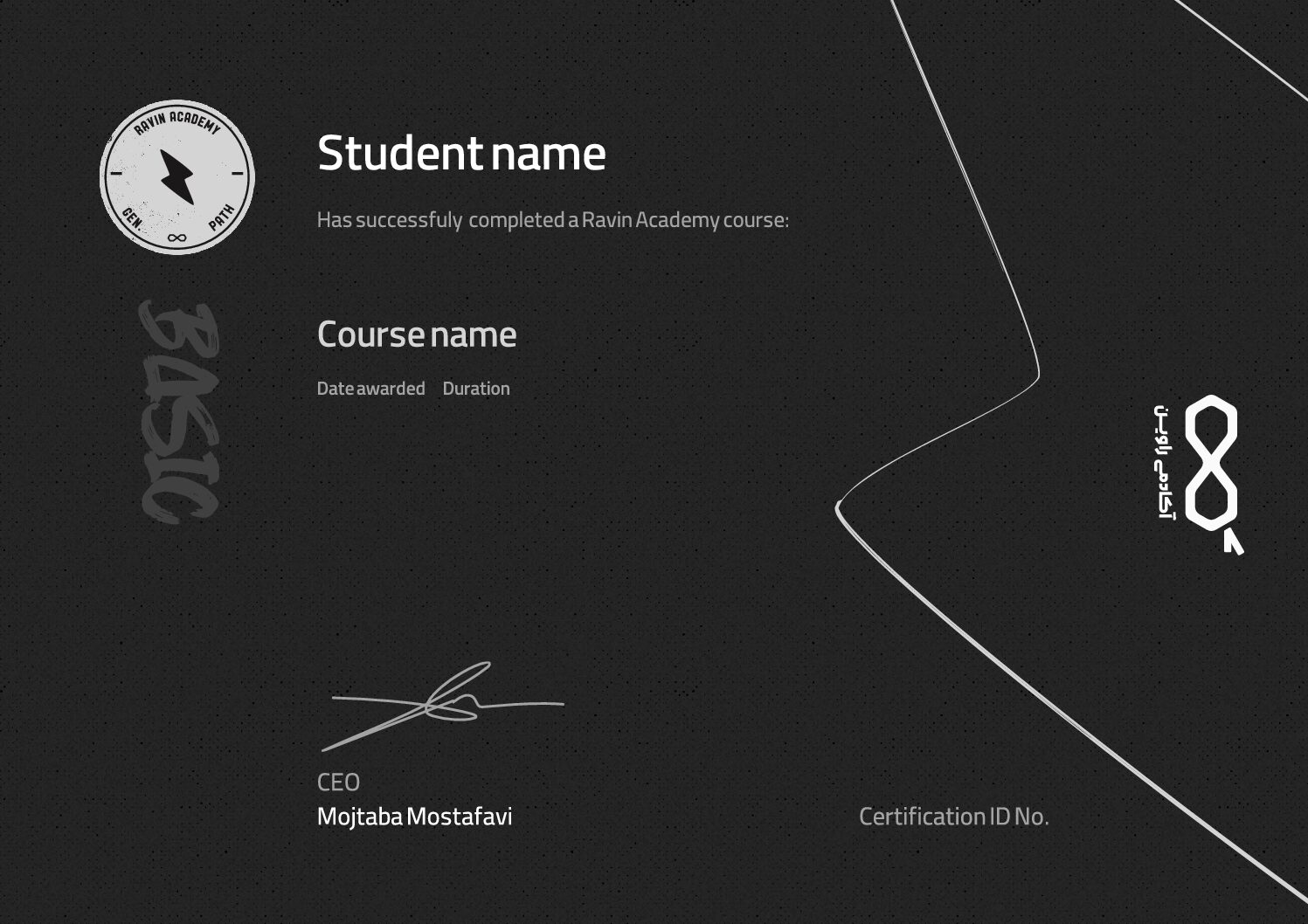
گواهینامهی دوره




دیدگاهها